How to Take Better Used-Car Listing Photos With a Phone
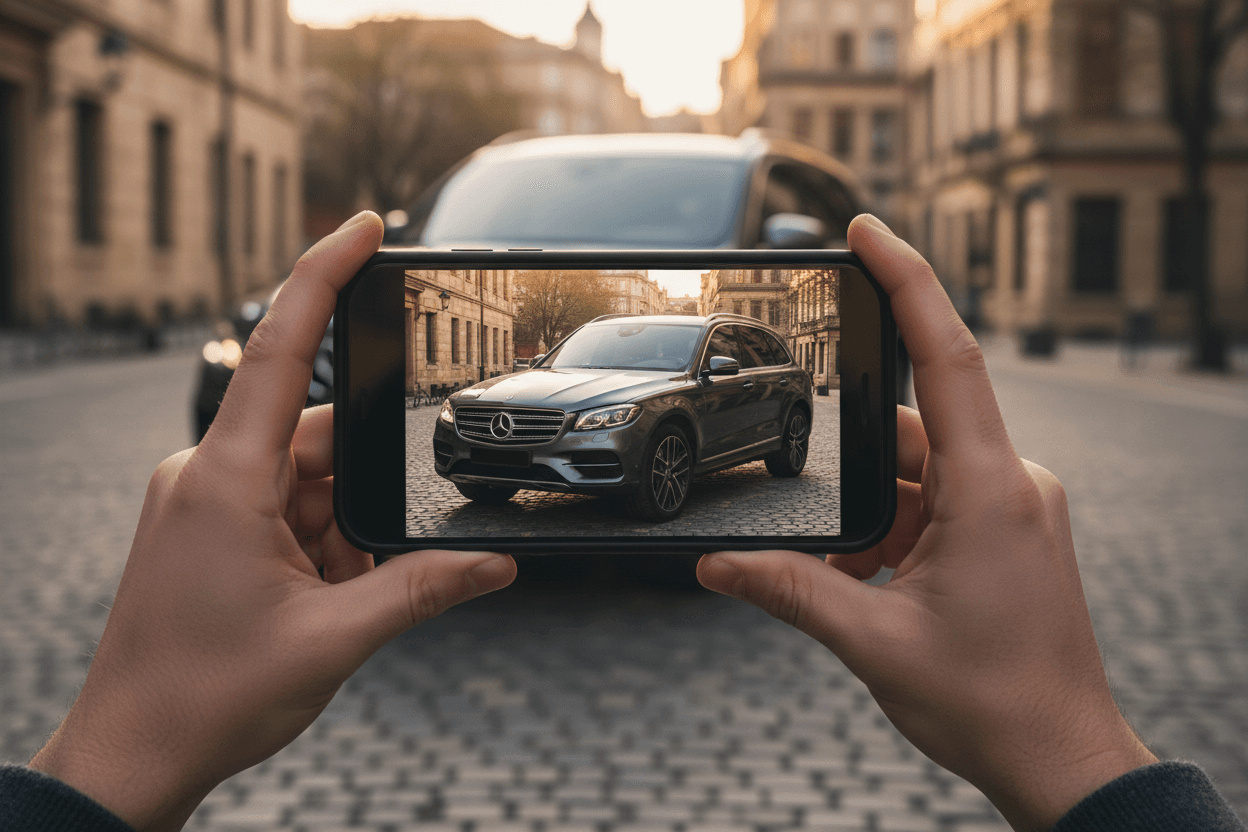
To take better used-car listing photos with a phone, shoot in soft daylight, keep the whole vehicle in frame at a slight three-quarter angle, capture a consistent set of exterior and interior shots, and clean up the background afterward with an AI editor. Good habits at capture time make every downstream edit better.
Lighting beats gear
The best free upgrade to your photos is timing. Early morning or late afternoon light is soft and even; harsh midday sun creates blown-out highlights and dark shadows under the car. Overcast days are ideal — the cloud cover acts like a giant softbox.
The angles that sell
- Three-quarter front — the classic hero shot.
- Three-quarter rear — balances the set.
- Straight side profile — shows the full body line.
- Interior — dash, seats, odometer, infotainment.
- Details — wheels, badges, any standout features.
Framing and consistency
Get low — roughly headlight height — and keep the entire car inside the frame with a little breathing room. Shoot every vehicle the same way so your listings look like a coherent set rather than a random grab bag.
Fix the rest in software
Even great phone shots have a distracting lot behind them. That's where AI background removal and showroom backdrops finish the job — turning a solid capture into a polished, professional listing image.
Start free with LotShot and turn your next batch of phone photos into showroom-ready listing images in seconds.