How to Remove the Background From Car Photos (AI Method)
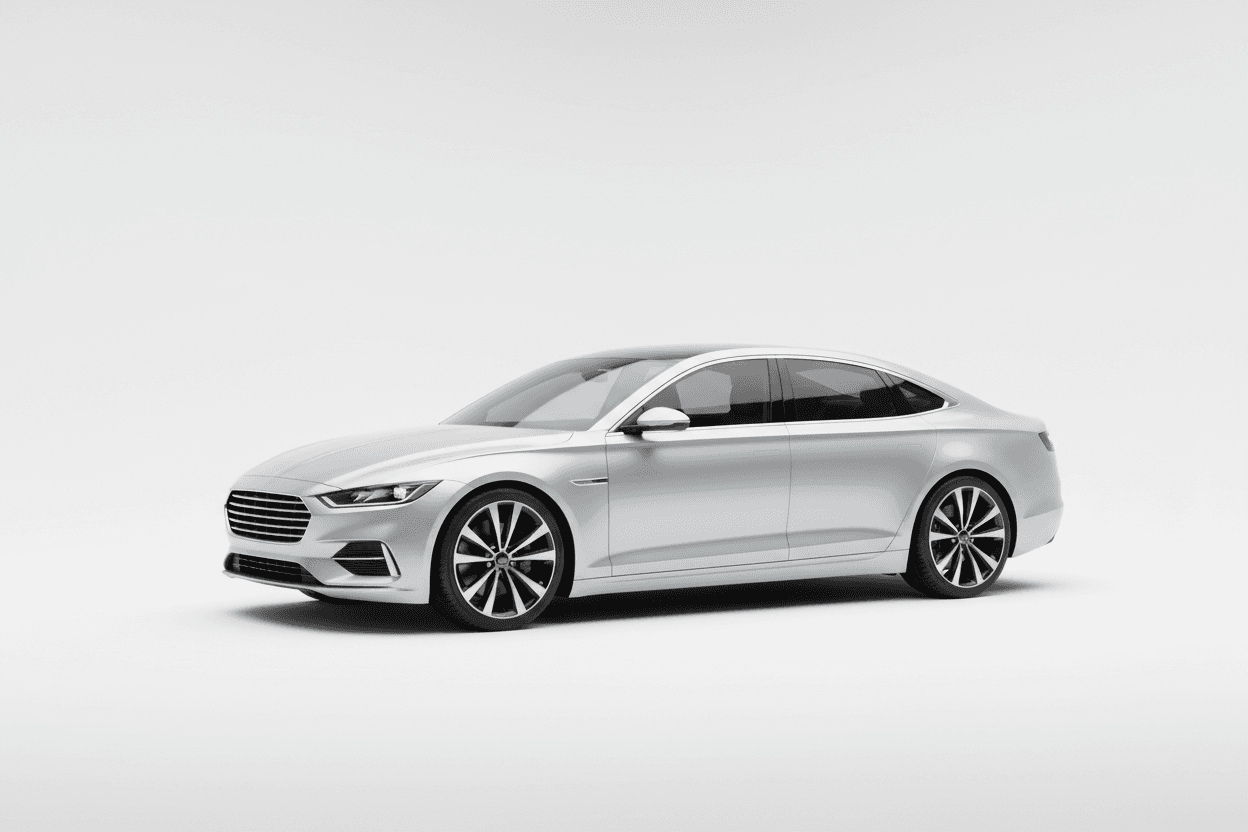
The fastest way to remove the background from a car photo is to use an AI background-removal tool built for vehicles: upload the image, let the model detect the car's edges, and replace the messy lot behind it with a clean studio backdrop — all in a few seconds, with no manual masking, green screen, or Photoshop skills required.
Why background removal matters for car listings
A cluttered background — other inventory, signage, power lines, a wet parking lot — pulls a shopper's eye away from the vehicle and makes a listing look amateur. Clean, consistent backdrops do the opposite: they signal a professional dealership and let the car be the hero of every photo.
The old way vs. the AI way
Traditionally, getting a clean background meant a physical photo booth or hours of manual cutout work per vehicle. Neither scales when you're turning over dozens of cars a week. AI background removal changes the math: the model is trained specifically to separate vehicles from their surroundings, including tricky areas like wheels, antennas, and glass.
- No equipment. Shoot on any phone in the lot.
- No masking. Edge detection is automatic.
- Consistency. Every car gets the same backdrop.
Step by step
- Photograph the vehicle in good daylight, framing the whole car.
- Upload the photo to LotShot and select the vehicle.
- Choose Remove background or Replace background with a studio or showroom backdrop.
- Download the result, or push it straight to your listing feed.
Tips for the cleanest results
Park the car away from other vehicles where possible, avoid harsh midday shadows under the body, and capture the full vehicle in frame. The cleaner the input, the cleaner the cutout — though the AI is built to handle real, imperfect lot conditions too.
Start free with LotShot and turn your next batch of phone photos into showroom-ready listing images in seconds.