How to Bulk-Edit Photos for a Whole Lot of Vehicles
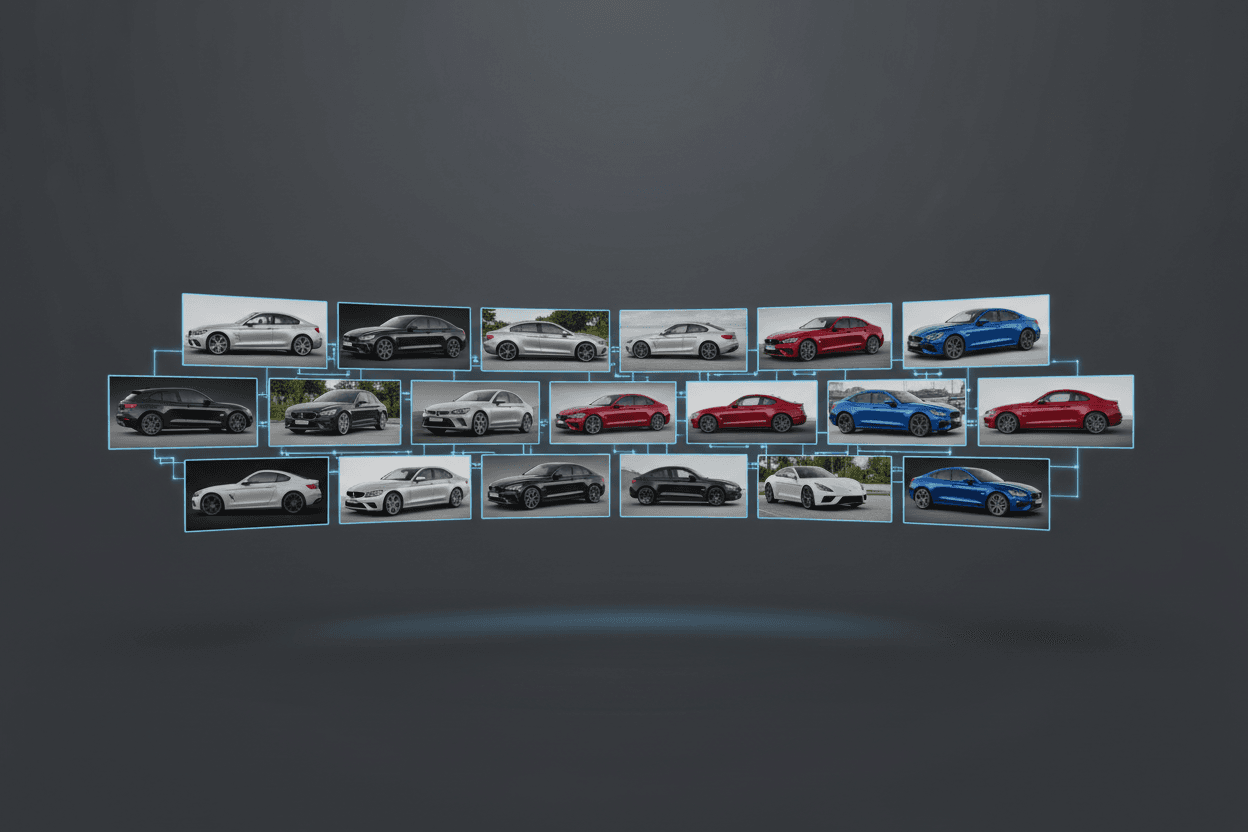
To bulk-edit photos for an entire lot, use a tool that applies the same recipe — background, showroom, enhance, plate — across many images at once, organized by vehicle. Batch processing keeps every listing consistent and turns a multi-hour editing job into minutes.
The problem with one-at-a-time editing
Manual editing doesn't scale with inventory turnover. By the time you finish a week's worth of cars, new ones have arrived. Worse, hand-editing introduces inconsistency — slightly different crops, backdrops, and lighting across your listings.
A batch workflow that scales
- Group photos by vehicle in your dashboard.
- Select all the shots you want to process.
- Apply one recipe to the whole selection.
- Export or publish the finished set together.
Consistency is the payoff
When every vehicle runs through the same recipe, your entire inventory looks like a unified, professional catalog — the kind of presentation that builds brand recognition across marketplaces.
Start free with LotShot and turn your next batch of phone photos into showroom-ready listing images in seconds.