How to Blur or Cover License Plates in Car Photos
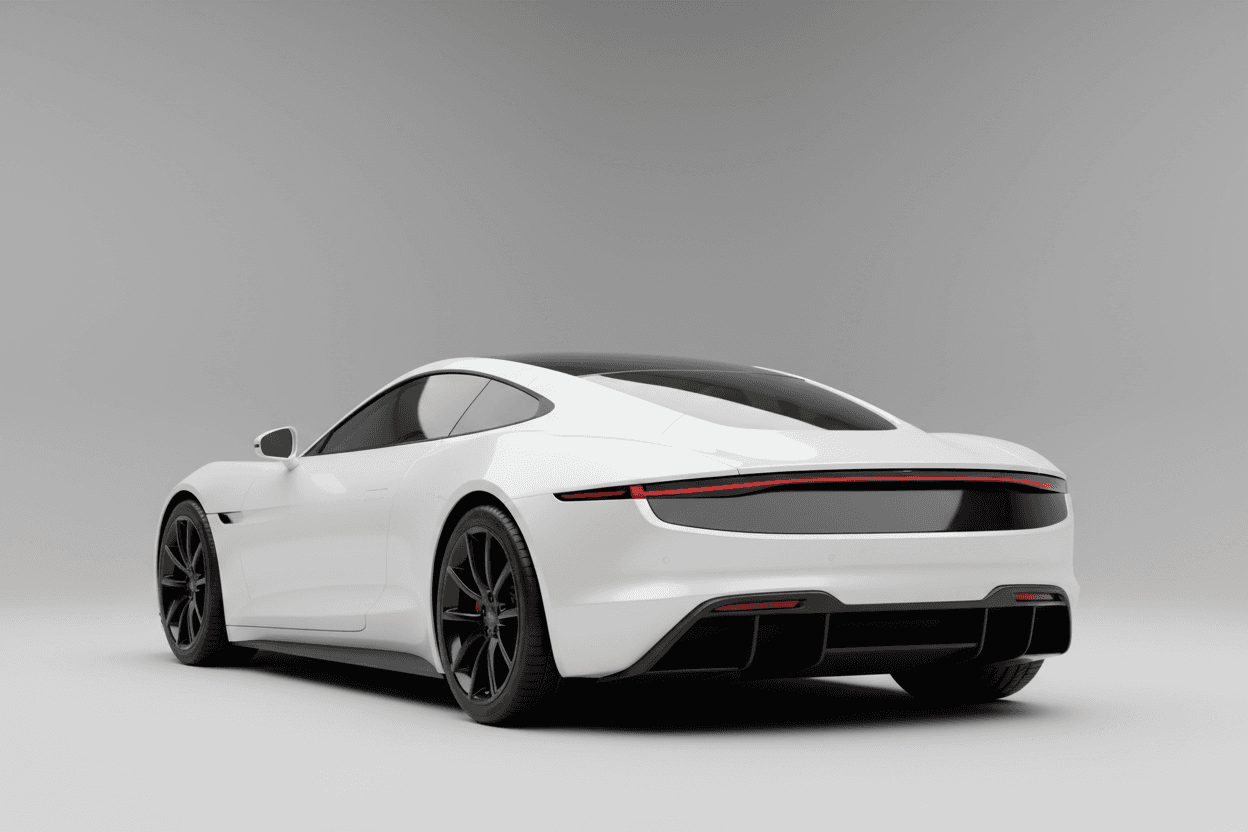
To handle license plates in car listing photos, either blur the plate so it's unreadable or cover it with a branded plate showing your dealership's logo and color. AI tools detect the plate automatically and apply either treatment across a whole batch in seconds.
Why dealers obscure plates
- Privacy. Plates can be traced; removing them protects prior owners and your dealership.
- Professionalism. A clean or branded plate looks intentional, not accidental.
- Marketing. A branded plate turns every photo into a subtle ad for your store.
Blur vs. brand cover
Blur is the simplest option — it makes the plate unreadable while keeping the photo natural. Brand cover replaces the plate with your dealership logo and brand color, reinforcing recognition across your inventory.
Automating it
Doing this by hand on every photo is tedious and error-prone. With LotShot, plate handling is a one-click recipe in the photo studio that applies consistently to every image you process.
Start free with LotShot and turn your next batch of phone photos into showroom-ready listing images in seconds.